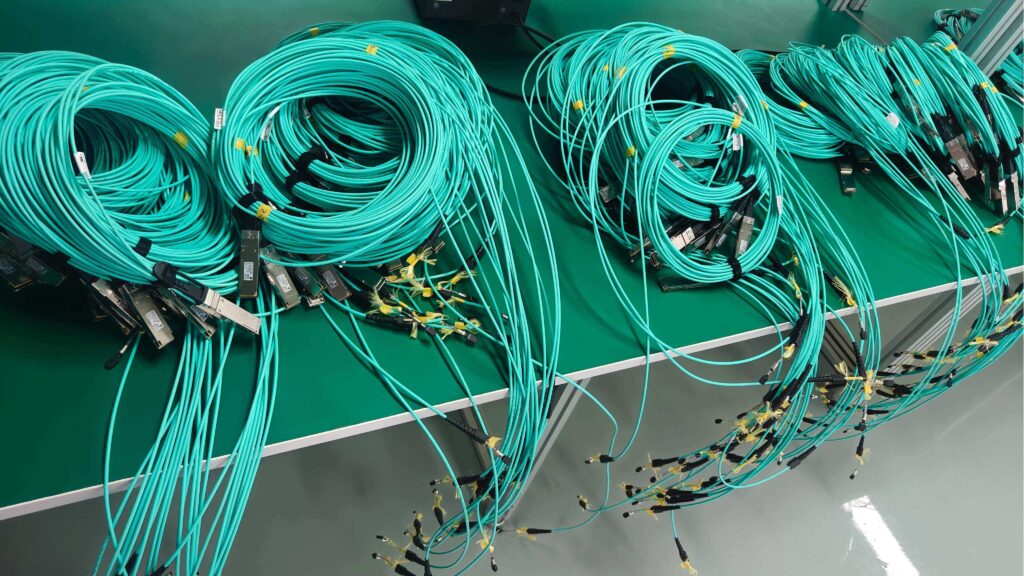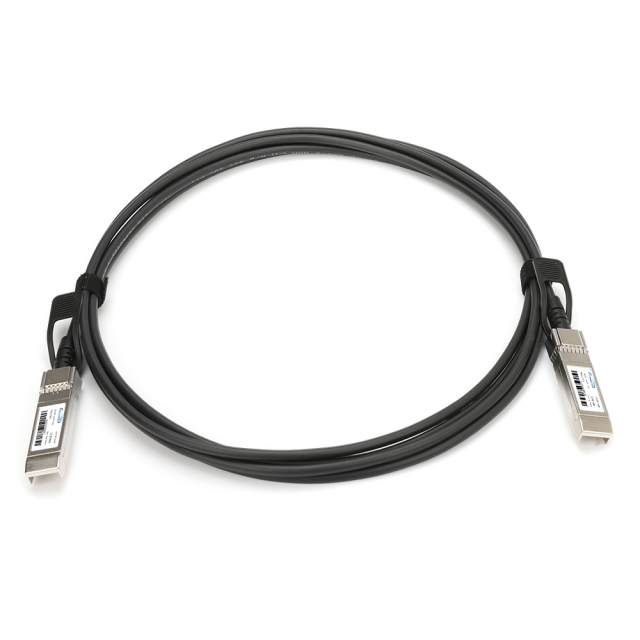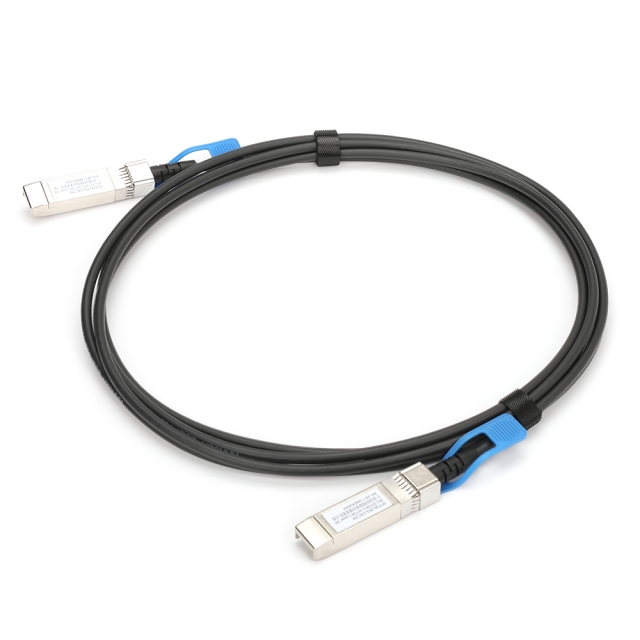

Why test an active optical cable?
Active optical cables differ from passive copper: they contain electronics and optical components that can fail or be contaminated. Proper testing helps you:
Verify link establishment at the intended rate (10G / 40G / 100G / 400G/800G).
Detect optical contamination, connector damage, or transceiver faults.
Measure real throughput, latency, and error rates under load.
Save time and avoid costly troubleshooting after deployment.
Quick pre-test checklist
Match speeds and port types — confirm the devices support the AOC cable’s rated speed and form factor.
Clean connectors — use fiber cleaning tools; even new cables can have dust.
Inspect physically — look for kinks, cuts, bent connectors, or crushed jackets.
Handle bend radius — maintain the manufacturer’s minimum bend radius during testing.
Step-by-step testing methods
1. Visual and physical inspection
Start simple: examine both connector endfaces and the cable jacket. Look for scratches, chipping, or visible debris. Check that latches and alignment keys are intact. Physical damage is a common cause of intermittent failures.
2. Link-up verification with network equipment
The most practical test for field technicians: plug the active optical cable into the intended switch, server, or NIC.
Link lights: confirm LEDs show link at both ends.
Port LEDs and software: check port status via the switch or NIC management interface.
Auto-negotiation: confirm the port negotiates the correct speed or is manually configured to the cable’s rated rate.
This method verifies basic interoperability without specialized tools.
3. Throughput and functional tests (iPerf / file transfer)
For real traffic validation, run throughput tests between two hosts:
Use tools like iPerf to measure TCP/UDP throughput and jitter.
Perform large file transfers or run application workloads to validate steady-state performance.
Monitor for packet loss, retransmits, or drops reported by the endpoints.
Throughput testing shows whether the active optical cable sustains expected bandwidth under real loads.
4. Loopback and diagnostic tests
Loopback adapters or port loopback configurations let you test local port transmit/receive paths. Many NICs and switches provide diagnostic counters (CRC errors, symbol errors). Use these logs to detect link instability or physical-layer problems.
5. Bit Error Rate (BER) and eye diagram testing (professional)
For mission-critical links and large deployments, use a BER tester or an optical analyzer:
BER testing sends patterned traffic to measure error rates over time and under stress.
Eye diagram analysis inspects signal integrity and optical margins.
These tests are standard for validating active optical cables at 100G and above when low BER is required.
6. Transceiver information and diagnostic monitoring (if supported)
Some AOC assemblies expose diagnostic data (e.g., temperature, optical power) through the host device. Read SFP/QSFP diagnostics to check Tx/Rx power, temperature, and laser bias — useful for spotting degrading optics before failure.
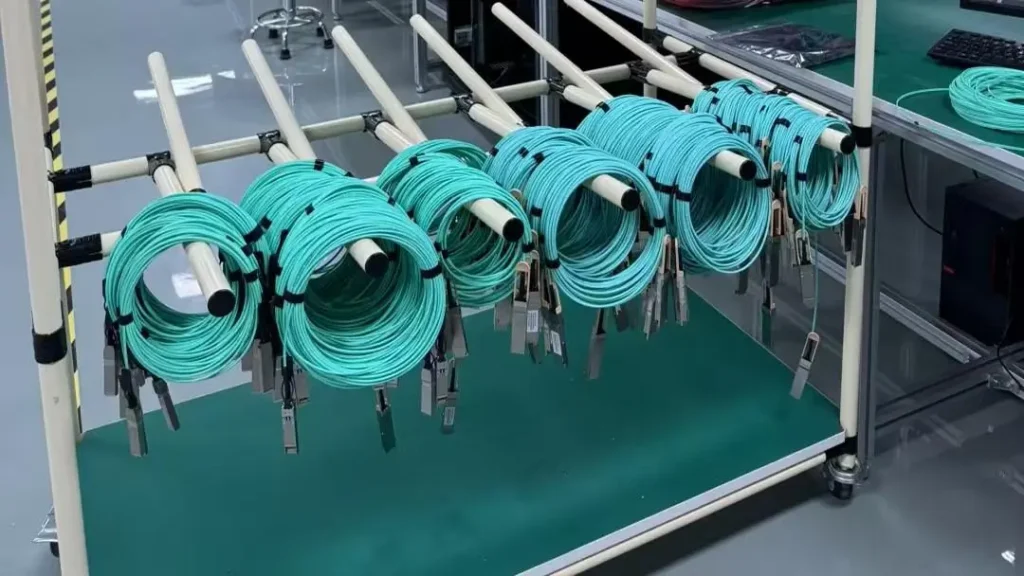
Common test results and what they mean
No link light: check cleanliness, connector seating, and port compatibility; try another port or cable to isolate.
Link but low speed: verify port configuration and whether the AOC supports the lower speed; many AOCs will not downshift.
High error counters / packet loss: suspect contamination, connector damage, or a faulty assembly — run BER testing if available.
Intermittent link: check for physical stress, loose latching, or thermal issues.
Best practices for testing and deployment
Always clean before test and install.
Document test results (link status, throughput, diagnostic readings) for asset management.
Reject or RMA AOC cables that fail BER or show persistent high error counts — these assemblies are generally not field-repairable.
Keep spare, pre-tested cables for quick replacement during maintenance windows.
For scale, develop a standardized test procedure and record template to ensure consistent verification across all rack installs.